 By Admin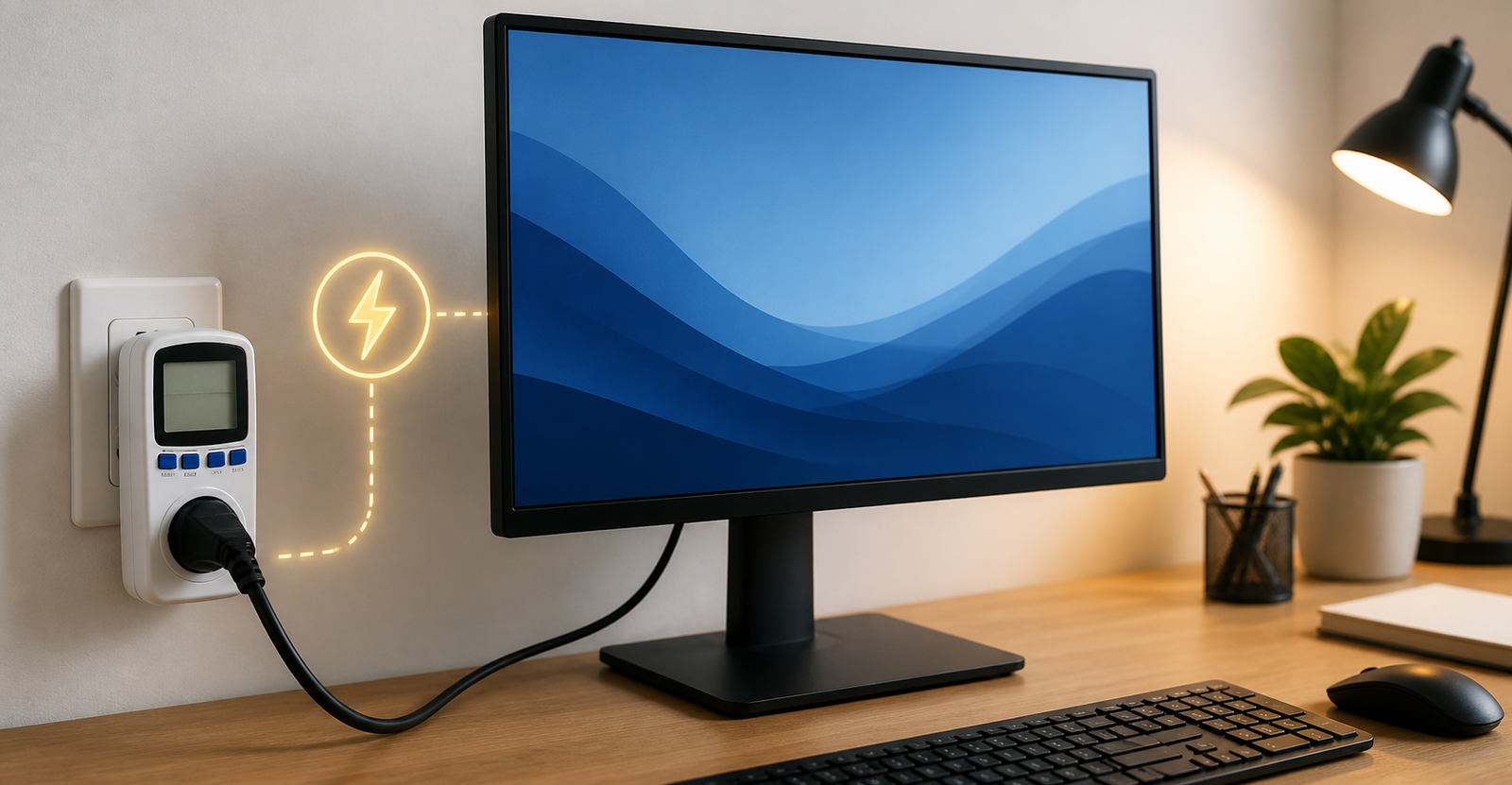
How Many Amps Does a Monitor Use?
A typical computer monitor uses around 0.2 to 0.5 amps on a standard 120V outlet. Smaller basic monitors may use less, while larger gaming monitors, 4K monitors, and ultrawide monitors can use closer to 0.5 to 1.25 amps, depending on size, brightness, refresh rate, and built-in features.
For most home and office setups, a monitor is not a high-power device. It usually uses far less electricity than a desktop computer, heater, microwave, kettle, or air conditioner. Still, it helps to understand the numbers if you are using a power strip, UPS, portable power station, inverter, or dual-monitor setup.
The easiest way to estimate monitor amps is to look at the monitor’s wattage and divide it by the outlet voltage.
Quick Answer: Average Monitor Amp Use
Most modern LED monitors are fairly efficient. Here is a simple estimate:
| Monitor Type | Typical Watts | Amps at 120V | Amps at 240V |
| Small basic monitor | 15 to 30 watts | 0.125 to 0.25 amps | 0.06 to 0.125 amps |
| 24-inch monitor | 20 to 40 watts | 0.17 to 0.33 amps | 0.08 to 0.17 amps |
| 27-inch monitor | 30 to 60 watts | 0.25 to 0.5 amps | 0.125 to 0.25 amps |
| 32-inch monitor | 40 to 80 watts | 0.33 to 0.67 amps | 0.17 to 0.33 amps |
| Gaming monitor | 50 to 150 watts | 0.42 to 1.25 amps | 0.21 to 0.625 amps |
| Dual monitor setup | 40 to 120 watts | 0.33 to 1 amp | 0.17 to 0.5 amps |
These are general ranges. The exact number depends on your monitor model and settings.
Amps, Watts, and Volts Explained Simply
Before going deeper, it helps to understand the difference between amps, watts, and volts.
Amps measure electrical current. This matters when thinking about outlet load, power strips, circuits, adapters, and battery backup systems.
Watts measure power use. This is usually the most useful number for understanding electricity consumption and cost.
Volts measure electrical pressure. In many countries, wall outlets are around 120V. In many other countries, outlets are around 220V to 240V.
Most monitors are listed by watts, not amps. That is why you often need to calculate amps yourself.
The Simple Formula: Amps = Watts ÷ Volts
To calculate how many amps a monitor uses, use this formula:
Amps = Watts ÷ Volts
For example, if your monitor uses 30 watts on a 120V outlet:
30 ÷ 120 = 0.25 amps
If the same monitor is used on a 240V outlet:
30 ÷ 240 = 0.125 amps
The monitor is still using 30 watts of power. The amp draw is lower at 240V because the voltage is higher.
How Many Amps Does a 24-Inch Monitor Use?
A typical 24-inch monitor usually uses around 20 to 40 watts. On a 120V outlet, that works out to about 0.17 to 0.33 amps.
This is common for office monitors, school computers, home workstations, and general browsing setups. If you use the monitor for emails, spreadsheets, web browsing, video calls, or watching videos, the power draw will usually stay fairly low.
A basic 24-inch LED monitor is one of the easiest displays to run on a UPS, power strip, or portable power station.
How Many Amps Does a 27-Inch Monitor Use?
A 27-inch monitor often uses around 30 to 60 watts, which equals about 0.25 to 0.5 amps at 120V.
Power use depends on whether it is a basic office model or a higher-end display. A simple 1080p or 1440p office monitor will usually use less power than a bright 4K monitor or high-refresh gaming monitor.
If you use two 27-inch monitors, the total draw may be around 0.5 to 1 amp at 120V, depending on the exact models.
How Many Amps Does a 32-Inch Monitor Use?
A 32-inch monitor usually uses around 40 to 80 watts, or about 0.33 to 0.67 amps at 120V.
Larger screens need more backlight power, especially if brightness is turned up. A 32-inch 4K monitor may also use more power than a standard 1080p display because it has more pixels and often comes with stronger processing, brighter panels, or extra ports.
Even then, one 32-inch monitor usually does not place a heavy load on a household outlet.
How Many Amps Does a Gaming Monitor Use?
A gaming monitor can use more power than a regular office monitor. Many gaming displays use around 50 to 150 watts, which equals about 0.42 to 1.25 amps at 120V.
The higher number is more likely with:
4K resolution
144Hz, 165Hz, or 240Hz refresh rate
High brightness
HDR
Large screen size
Ultrawide format
Built-in USB hub
Built-in speakers
RGB lighting
If you have a serious gaming setup, the monitor is usually not the biggest power user. The gaming PC itself often uses far more electricity than the monitor, especially during heavy gaming.
How Many Amps Does a Dual Monitor Setup Use?
A dual monitor setup usually uses around 0.33 to 1 amp at 120V, depending on the screen sizes and models.
For example:
Two basic 24-inch monitors using 25 watts each:
50 watts ÷ 120V = 0.42 amps
Two 27-inch monitors using 50 watts each:
100 watts ÷ 120V = 0.83 amps
A dual-monitor setup is usually safe on a normal outlet when used with a computer, but you should still think about the total load. Your desktop computer, speakers, printer, router, modem, and other devices all add to the same circuit.
What Affects Monitor Power Draw?
Several things can change how many amps a monitor uses.
Screen Size
Bigger screens usually need more power. A 32-inch monitor generally uses more electricity than a 24-inch monitor, especially at higher brightness.
Brightness
Brightness can make a noticeable difference. A monitor at full brightness uses more power than one set to a comfortable indoor level.
Lowering brightness is one of the easiest ways to reduce monitor power consumption.
Resolution
A 4K monitor may use more power than a 1080p monitor because it has more pixels and often includes more advanced processing. The difference varies by model, but higher-end screens usually draw more power.
Refresh Rate
A 60Hz monitor usually uses less power than a 144Hz or 240Hz gaming monitor. Higher refresh rates can increase power draw, especially when combined with high brightness and high resolution.
Panel Type
Different display technologies can use different amounts of power. LED monitors are usually efficient. Older LCD monitors may use more. Old CRT monitors use much more power and are far less efficient than modern flat screens.
Extra Features
Some monitors include built-in speakers, USB-C power delivery, USB ports, webcams, lighting, or charging features. These extras can increase total power use.
If your monitor charges a laptop through USB-C, the monitor’s total power draw can become much higher because it is powering another device.
Monitor Watts vs Amps: Which Number Matters More?
For electricity cost, watts matter more.
For outlet safety, circuit load, adapters, and backup power, amps matter more.
For example, if you want to know how much a monitor adds to your electricity bill, look at watts and calculate kilowatt-hours. If you want to know whether several devices can run on one circuit, amps become more important.
Most monitors are low-current devices, so they are rarely the reason a circuit overloads. The bigger concern is usually the total setup, especially if you also have a gaming PC, printer, speakers, lights, chargers, and other electronics on the same outlet or power strip.
How to Read a Monitor Power Adapter Label
Many monitors use an external power adapter or AC adapter. The label may say something like:
Input: 100-240V, 1.5A
Output: 19V, 2.1A
This can confuse people because the input and output numbers are different.
The input rating tells you what the adapter can draw from the wall. The output rating tells you what the adapter can supply to the monitor.
If your monitor says it needs 19V 1.5A, that means it needs a 19-volt adapter that can supply at least 1.5 amps. A 19V 3A adapter is usually not a problem as long as the voltage, connector size, and polarity match. The monitor will only draw the current it needs.
The risky part is voltage. A wrong voltage adapter can damage the monitor. Always match the voltage first.
Can You Use a Higher-Amp Adapter With a Monitor?
In many cases, yes, a higher-amp adapter can be safe if the voltage matches exactly, the connector fits correctly, and the polarity is right.
For example, replacing a 19V 1.5A adapter with a 19V 3A adapter is usually fine because the monitor only takes the amps it needs. The adapter does not force extra amps into the monitor.
But do not use a different voltage unless the monitor manual clearly allows it. Also check the barrel connector size and polarity, usually marked with a small center-positive or center-negative symbol.
When unsure, use the official replacement adapter or check the monitor’s manual.
How Many Monitors Can You Plug Into One Outlet?
In most normal home setups, multiple monitors do not use much power compared with high-wattage appliances.
A standard 15-amp circuit at 120V can theoretically support up to 1,800 watts, though continuous loads should stay lower for safety. A few monitors using 30 to 60 watts each are not usually a problem by themselves.
The bigger issue is what else is plugged into the same circuit.
A setup with a desktop computer, two monitors, speakers, router, modem, and phone chargers is usually fine. But adding a space heater, microwave, or other high-power appliance to the same circuit can create overload risk.
Avoid daisy-chaining power strips, and do not use damaged extension cords or overloaded outlets.
How to Measure Your Monitor’s Real Amp Draw
The best way to know your exact power use is to measure it.
You can use a Kill-A-Watt, plug-in power meter, or similar wattage meter. Plug the monitor into the meter, then plug the meter into the wall. It can show real-time watts, amps, voltage, and energy use over time.
This is useful because the number printed on a monitor label is often a maximum rating. Real-world use is usually lower.
For example, a monitor adapter might list a maximum current, but during normal work the monitor may draw much less.
How Much Electricity Does a Monitor Use Per Hour?
If a monitor uses 30 watts, it uses 0.03 kilowatt-hours per hour.
If you use it for 8 hours a day:
0.03 kWh × 8 = 0.24 kWh per day
Over 30 days:
0.24 × 30 = 7.2 kWh per month
So a typical monitor usually adds only a small amount to the electricity bill. Larger gaming monitors or dual-monitor setups will use more, but they are still usually modest compared with a gaming PC, heater, or air conditioner.
How to Lower Monitor Power Usage
You can reduce monitor power draw without making your setup uncomfortable.
Lower the screen brightness.
Turn on power-saving mode.
Use sleep mode when idle.
Set your computer to turn off the display after a few minutes.
Avoid leaving the monitor on overnight.
Disable unnecessary RGB lighting if your monitor has it.
Unplug old monitors that use standby power.
Use an efficient LED monitor instead of an older display.
These small changes can help, especially in offices with several screens running all day.
Final Thoughts
So, how many amps does a monitor use? Most modern monitors use about 0.2 to 0.5 amps on a 120V outlet. A small LED monitor may use less, while a large gaming monitor, 4K monitor, or ultrawide monitor may use closer to 0.5 to 1.25 amps.
The easiest way to calculate it is:
Amps = Watts ÷ Volts
For most people, a monitor is not a major electrical load. The bigger concern is the total setup, including the desktop computer, laptop dock, speakers, router, printer, and anything else plugged into the same outlet.
If you want the most accurate number, use a plug-in power meter. It will show the real draw of your exact monitor instead of relying on estimates or label ratings.
 Leo
Leo