 By Admin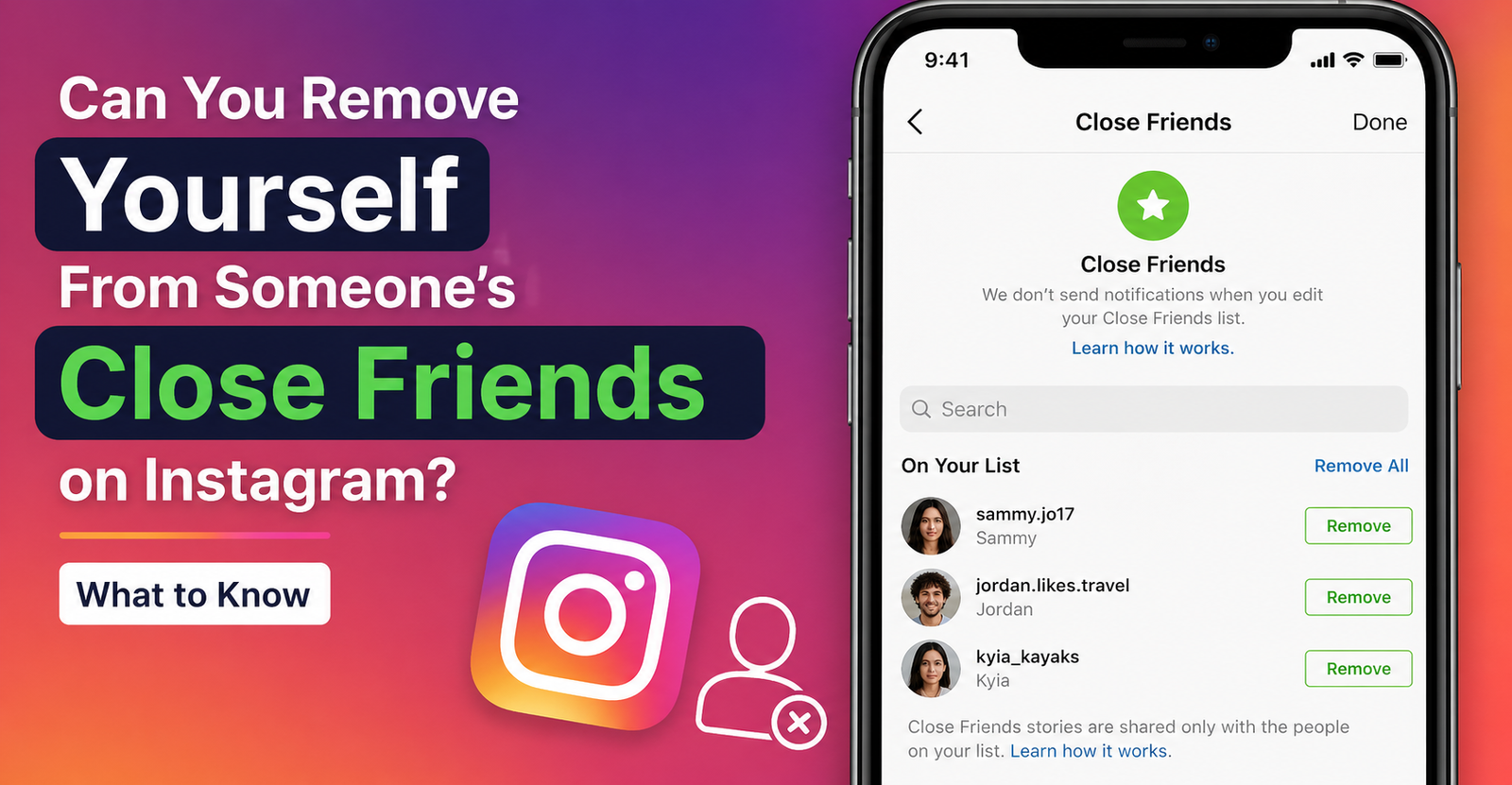
Being added to someone’s Close Friends list on Instagram can feel nice at first. It means they chose to share more private or limited content with you. But sometimes it can also feel awkward. Maybe you are not that close anymore. Maybe the person posts too much. Maybe you simply do not want to be part of someone else’s private sharing circle.
So, can you remove yourself from someone’s Close Friends on Instagram?
For most users, the answer is still no, not directly. As of the latest public reporting, Instagram is working on a feature that may let users remove themselves from someone else’s Close Friends list, but Meta told TechCrunch that the feature was still in early development and was not being publicly tested yet.
Until that feature becomes widely available, your best options are workarounds like muting stories, unfollowing, restricting, blocking, or asking the person to remove you.
Can You Remove Yourself From Someone’s Close Friends on Instagram?
Right now, most people cannot directly remove themselves from someone else’s Close Friends list on Instagram.
That is because the list is controlled by the person who created it. If someone adds you to their Close Friends list, you do not currently get a normal setting that says “leave this list” or “remove me.” You can see their Close Friends Stories if they share them, but you do not control whether you are included.
This may change soon. TechCrunch reported that Instagram is developing a feature that would let users leave someone else’s Close Friends list. The report also said the internal prototype was spotted by reverse engineer Alessandro Paluzzi, and Meta confirmed the feature was in development.
But development does not always mean public rollout. Until the feature appears in your own app, you should treat it as an upcoming possibility, not something every user can already do.
Is Instagram Working on a Leave Close Friends Feature?
Yes, Instagram is working on a self-removal feature for Close Friends, according to TechCrunch.
The idea is simple. If someone adds you to their Close Friends list and you do not want to be there, you would be able to leave the list yourself. Based on the prototype described by TechCrunch, Instagram would warn users that if they leave someone’s list, they will not be able to see that person’s Close Friends content unless they are added back later.
That matters because it gives users more control over social boundaries. Sometimes being included in someone’s private content can feel uncomfortable, especially if the person is an ex, coworker, loose acquaintance, or someone you no longer talk to often.
At the moment, though, the feature has not been confirmed as fully launched for everyone.
What Does the Green Ring on Instagram Stories Mean?
The green ring around someone’s Instagram Story usually means they posted that story to their Close Friends list, and you are included on that list.
Instagram’s help page explains that users can create a Close Friends list to share certain content only with the people on that list. The official help page mentions notes, reels, and stories as Close Friends sharing options.
So, if you see a green circle around someone’s story, it does not mean everyone can see that story. It means the person shared it with a smaller selected audience.
You also cannot see who else is on that person’s Close Friends list. You only know that you are included because you can see the green-ring content.
How Close Friends Works on Instagram
Close Friends is a private audience feature. It lets someone choose a smaller group of followers for certain content instead of posting to all followers.
The person who owns the list can:
Add people to their Close Friends list
Remove people from the list
Share Stories with only that list
Share certain Reels or Notes with that list, depending on the feature
Change the list over time
The people added to the list can see the content, but they do not get to manage the list themselves. Instagram’s story help page also notes that people on a Close Friends list will know they are on it, and that no one can request to be added to your Close Friends list.
That is why the new self-removal feature would be useful. It would finally give people a way to say, “I do not want to be included here,” without needing the other person to take action first.
What You Can Do Right Now If You Want Off the List
Since most users still cannot directly leave someone’s Close Friends list, the best option depends on what bothers you.
If you simply do not want to see their green-ring stories, muting is usually the easiest and least awkward choice. If you want more distance from the person, unfollowing, restricting, or blocking may make more sense.
Here are the main options.
Mute Their Stories
The simplest workaround is to mute their stories.
Muting does not remove you from their Close Friends list, but it can stop their stories from appearing at the top of your feed. Instagram’s help center says you can mute someone’s story by tapping and holding their profile picture at the top of your feed, selecting Mute, then choosing Mute stories.
This is usually the best option if:
You do not want drama
You do not want them to know
You still want to follow them
You just do not want to see their Close Friends Stories
Muting is quiet. Instagram does not send a notification when you mute someone’s stories.
Unfollow Them
If you no longer want to follow the person, you can unfollow them.
This may stop you from seeing their content in your feed, depending on their account type and privacy settings. If their account is private, unfollowing means you will no longer have normal access to their private posts unless they approve you again later.
This is stronger than muting. It is also more noticeable because they might see that you no longer follow them if they check.
Use this option if you are comfortable creating more distance.
Restrict or Block Them
If the situation feels uncomfortable, you can restrict or block the person.
Restricting is a softer privacy tool. It limits how someone can interact with you without fully cutting them off.
Blocking is stronger. It removes much more access between both accounts. If you block someone, they generally cannot view your profile, posts, or stories from that account.
Blocking may also remove you from many forms of interaction with that person, but it is not the best first option if all you want is to stop seeing their Close Friends content. It is better for uncomfortable, unwanted, or unsafe situations.
Ask Them to Remove You
This is the most direct option, but also the most socially awkward.
You can simply message them and say something like:
“I saw I’m on your Close Friends list. No issue at all, but could you remove me from it?”
This works best when you have a normal relationship with the person and do not mind being honest. It may feel uncomfortable, but it is also clear and respectful.
The downside is obvious: it creates a conversation. If you want a quiet solution, muting is usually easier.
Will Someone Know If You Mute Their Close Friends Stories?
If you mute someone’s stories, Instagram does not notify them.
That makes muting the safest low-drama option. They can keep you on their Close Friends list, but you do not have to keep watching their stories.
However, muting does not remove you from the list. If you visit their profile manually or unmute them later, you may still see their Close Friends content.
If Instagram eventually launches the leave Close Friends list feature, notification behavior will matter a lot. Some reports describe the idea as a quiet exit, but the safest way to write about it right now is this: wait for the official rollout before assuming exactly how notifications will work.
Best Option Depending on Your Situation
| Situation | Best Option |
| You only want to stop seeing green-ring stories | Mute stories |
| You want less contact without blocking | Restrict or mute |
| You do not want to follow the person anymore | Unfollow |
| The person makes you uncomfortable | Block |
| You are fine being direct | Ask them to remove you |
| You want the cleanest possible future option | Wait for Instagram’s self-removal feature |
For most everyday situations, mute stories is the best first move. It solves the viewing problem without turning it into a social issue.
Why Instagram’s New Feature Could Matter
The possible Close Friends self-removal feature matters because it would give users more control over their own social experience.
Right now, Close Friends is one-sided. The person posting controls who is on the list. The people added can see the content, but they do not have much say in whether they want to be included.
That can feel strange because Close Friends content is often more personal. It might include private updates, relationship drama, workplace complaints, emotional posts, or things someone does not share publicly. Not everyone wants to be part of that circle.
A leave option would make the feature feel more balanced. It would let users quietly manage their boundaries without needing to unfollow, block, or start an awkward conversation.
TechCrunch also noted that Snapchat already lets users remove themselves from someone’s private story, which makes Instagram’s possible feature feel like a natural privacy update rather than a totally new idea.
Can Someone Add You Again After You Leave?
If Instagram launches the feature as described in the prototype, the person may need to add you back before you can see their Close Friends content again. The TechCrunch report says the prototype warning tells users that they will not be able to see that person’s Close Friends content unless they are added back.
What is still unclear is whether Instagram will stop the person from adding you again in the future, or whether you would need to leave again if they re-added you.
That is one reason users should wait for the official feature before relying on exact behavior. App features can change before launch.
Final Takeaway
For now, most users cannot directly remove themselves from someone’s Close Friends on Instagram. The list is still controlled by the person who created it.
However, Instagram is developing a feature that may eventually let users leave someone else’s Close Friends list. Until that feature is publicly available, the best workaround is usually to mute their stories. It is quiet, simple, and does not create unnecessary drama.
If you want more distance, you can unfollow, restrict, or block the person. If you are comfortable being direct, you can also ask them to remove you.
The simple answer is this: you may not be able to remove yourself from the list yet, but you can control how much of that person’s content you see. And if Instagram’s planned feature rolls out widely, users may finally get a cleaner way to leave someone’s Close Friends circle without making it awkward.